Video
What Should Conference Video Capture?
Plan conference video around recap footage, speakers, interviews, sponsors, audience reactions, demonstrations, and future promotion.
Conference video cannot be planned as photography with motion added. A camera may see the keynote clearly and still record poor sound. A short interview can carry the whole recap, but only if someone chose the speaker, reserved a quiet place, and asked the right question. The capture plan has to begin with the edits the conference needs afterward.
Separate highlights from complete sessions
Highlight coverage collects short, varied pieces that can be shaped into a recap or future promotion. Full-session recording documents a talk from beginning to end. It needs continuous camera coverage, dependable audio, presentation planning, and far more recording time. One approach does not automatically provide the other.
Give keynote clips a clear purpose
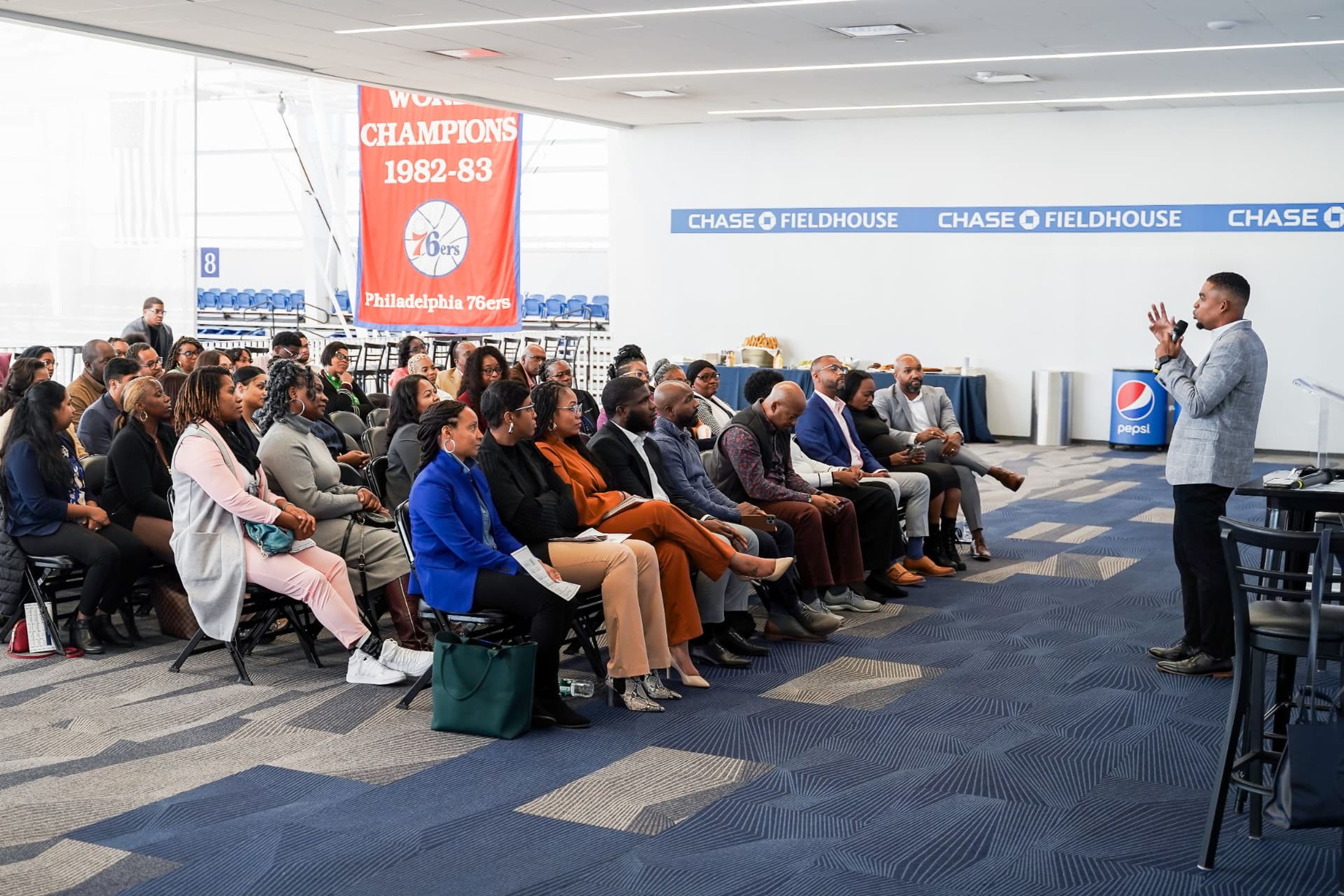
Decide whether the team needs a strong sentence for social use, a longer section for the event site, or a complete talk for attendees. Capture the speaker, the supporting slides when permitted, and audience response. A close view of the speaker alone cannot show how the room received the moment.
Build the recap from sequences
A useful recap needs more than isolated clips. Record arrivals leading into registration, people entering a room, a speaker making a point, attendees responding, conversations beginning during a break, and the event moving into its next phase. Wide room views establish place and scale; medium and close footage gives the editor detail and pace.
Collect voices, not only scenes
Short speaker soundbites, attendee reactions, and planned interviews can explain why the conference matters. Choose participants in advance when possible. Give them a quiet location, a specific question, and enough time to answer in a complete sentence. A loud hallway may look active but leave the recording unusable.
Show sponsors through participation
Record attendees using an activation, speaking with sponsor staff, watching a demonstration, or entering a sponsored session. Include readable branding without making every clip a static sign. These moments help a sponsor see presence and participation in the final recap.
Use transitions and details to hold the edit together
Badges, hands taking notes, signs changing between rooms, doors opening, stage details, food service, and movement through hallways help connect the major moments. This footage is not decoration. It lets an editor move from a keynote to a breakout or from daytime sessions to a reception without an abrupt jump.
Make audio a production line on the plan
Confirm whether the video team can receive a feed from the room sound system, which microphones will be used, and whether recording is allowed. Plan a separate microphone for interviews. Camera position, room sound, and permission should be settled before the first speaker walks onstage.
Choose footage by the future edit
For a fast recap, favor energy, variety, recognizable moments, and clean short statements. For next year’s promotion, also capture what a future attendee wants to judge: room scale, learning, networking, sponsor activity, and the character of the event. Write those two needs separately on the brief so the recap does not consume the entire plan.
Related guide: What Commercial Video Deliverables Does a Company Need?.
Related guide: Photography, Video, or Both for a Corporate Event?.
Related service: photo and video coverage.